
Ideal Overlap Percentage for Panoramic Shots (Photoshop Stitching), 2026
Ideal Overlap Percentage for Panoramic Shots (Photoshop Stitching), 2026 The ideal overlap percentage for panoramic shots is about 30% for a standard or telephoto lens, and 40-50% for a wide-angle lens, because wider lenses bend the edges of each frame and Photoshop needs more shared detail to align them. Below 20% overlap, Adobe Photomerge often fails to assemble the panorama at all; above 50% you simply shoot more frames for no extra coverage. Drop your focal length, sensor, sweep angle, and overlap into our Panorama Calculator(/tools/panorama-calculator) to see exactly how many frames your sweep needs. Consider a 180-degree canyon panorama shot handheld at 35mm in portrait orientation. A first attempt using six frames at roughly 20% overlap left Photoshop's Photomerge dropping two of them and leaving a torn seam across the sky. Reshooting the same sweep with eight frames at 35% overlap merged all eight on the first try with...
High Resolution Photo File Size Estimates: 2026 Data & Format Averages
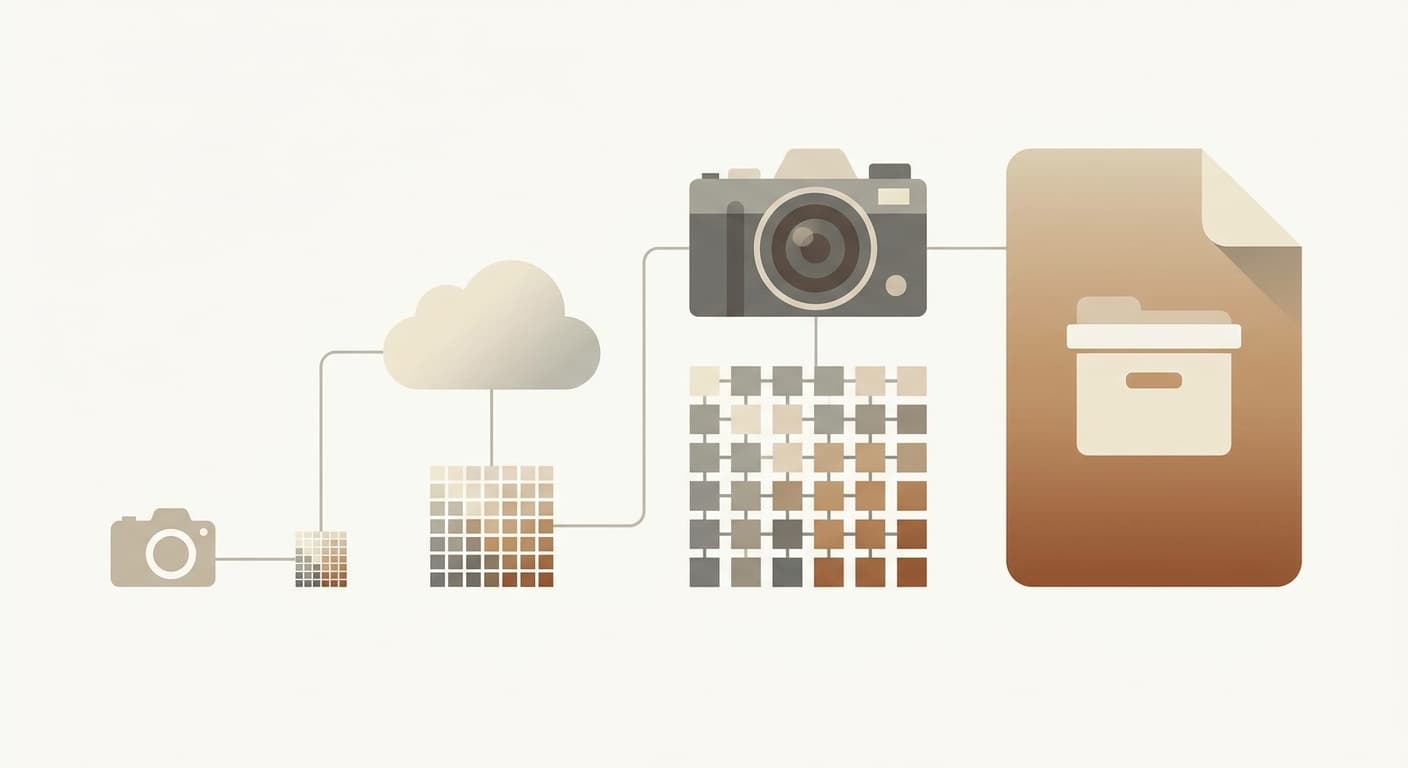
High Resolution Photo File Size Estimates: 2026 Data & Format Averages A high resolution photo's file size starts as width × height × 3 bytes for a 24-bit color image, so a typical 12-megapixel photo (4000×3000) is 36 MB uncompressed and shrinks to about 3.6 MB as a JPEG at 80% quality. Based on 55 real UseCalcPro sessions, the median photo people estimate is exactly that: 4000 pixels wide, 3000 tall, 24-bit color, JPEG quality 80. Run your own dimensions through the Image File Size Calculator(/tools/image-file-size-calculator) to get the exact figure for any format. Across 55 real UseCalcPro sessions, the median width landed on 4,000 px and the median height on 3,000 px — a clean 12 MP frame, which is exactly what a phone or entry mirrorless camera produces. The median color depth was 24-bit (n=55) and the median JPEG quality was 80 (n=55). One honest caveat: those four...